OUTSTANDING TINY DESK AI TEMPLATE
An Outstanding Tiny Desk AI template for your own cast
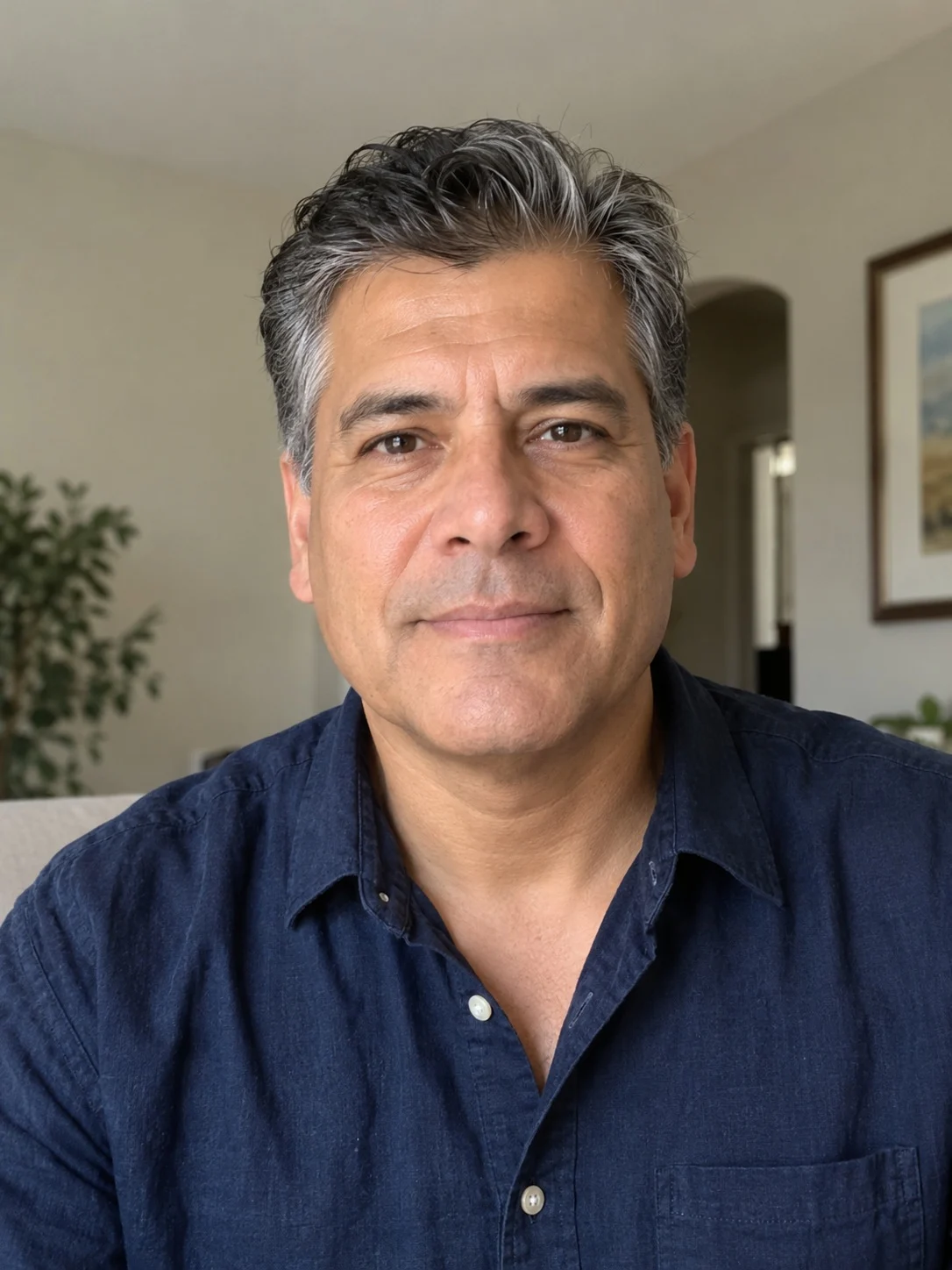
The desk stage, the camera moves and the song are already in place. You only choose who sings lead, or who fills all five spots, and upload a clear portrait for each.
- 15 s · 9:16 · 720p
- Song included
- No editing app
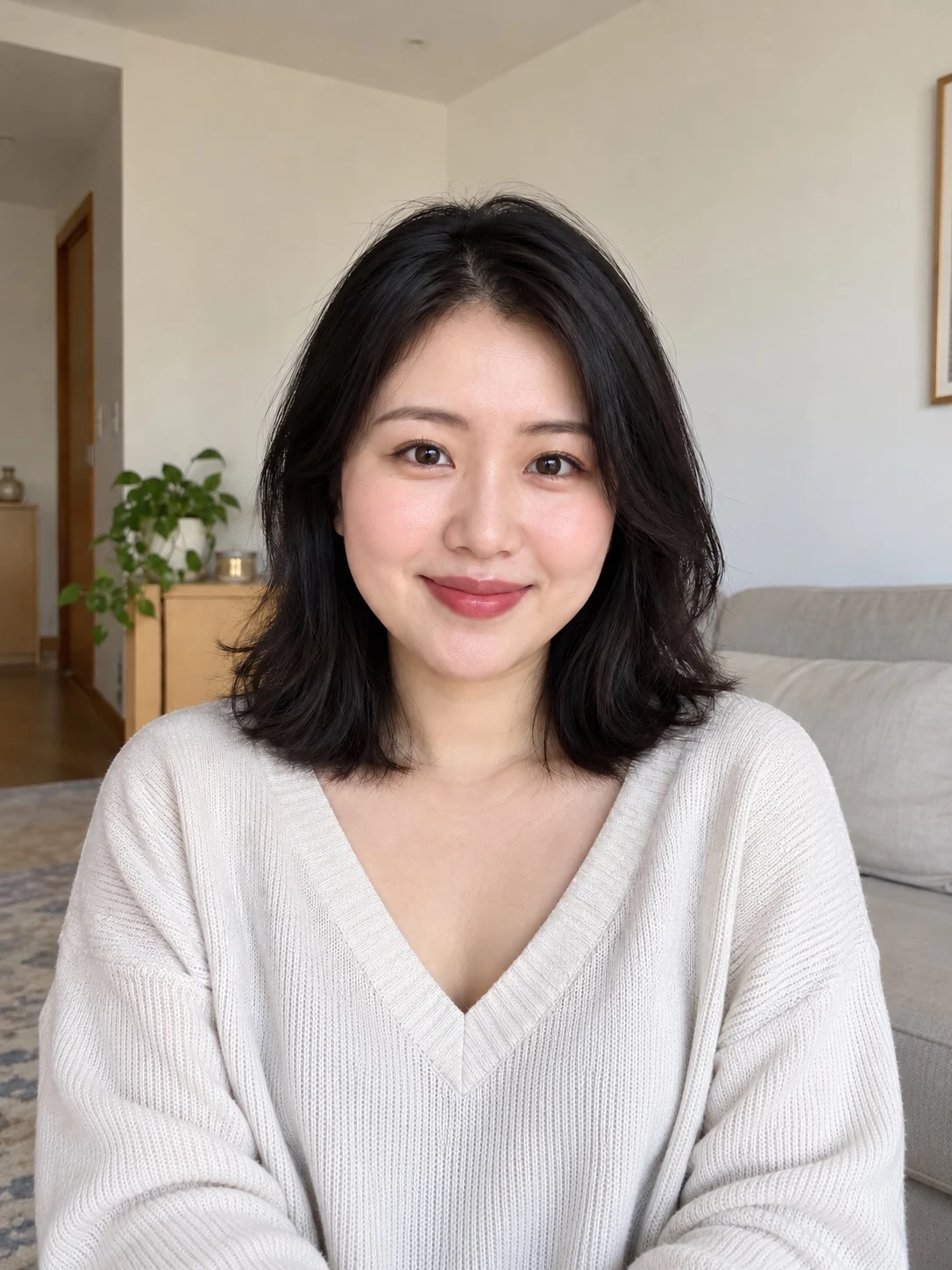
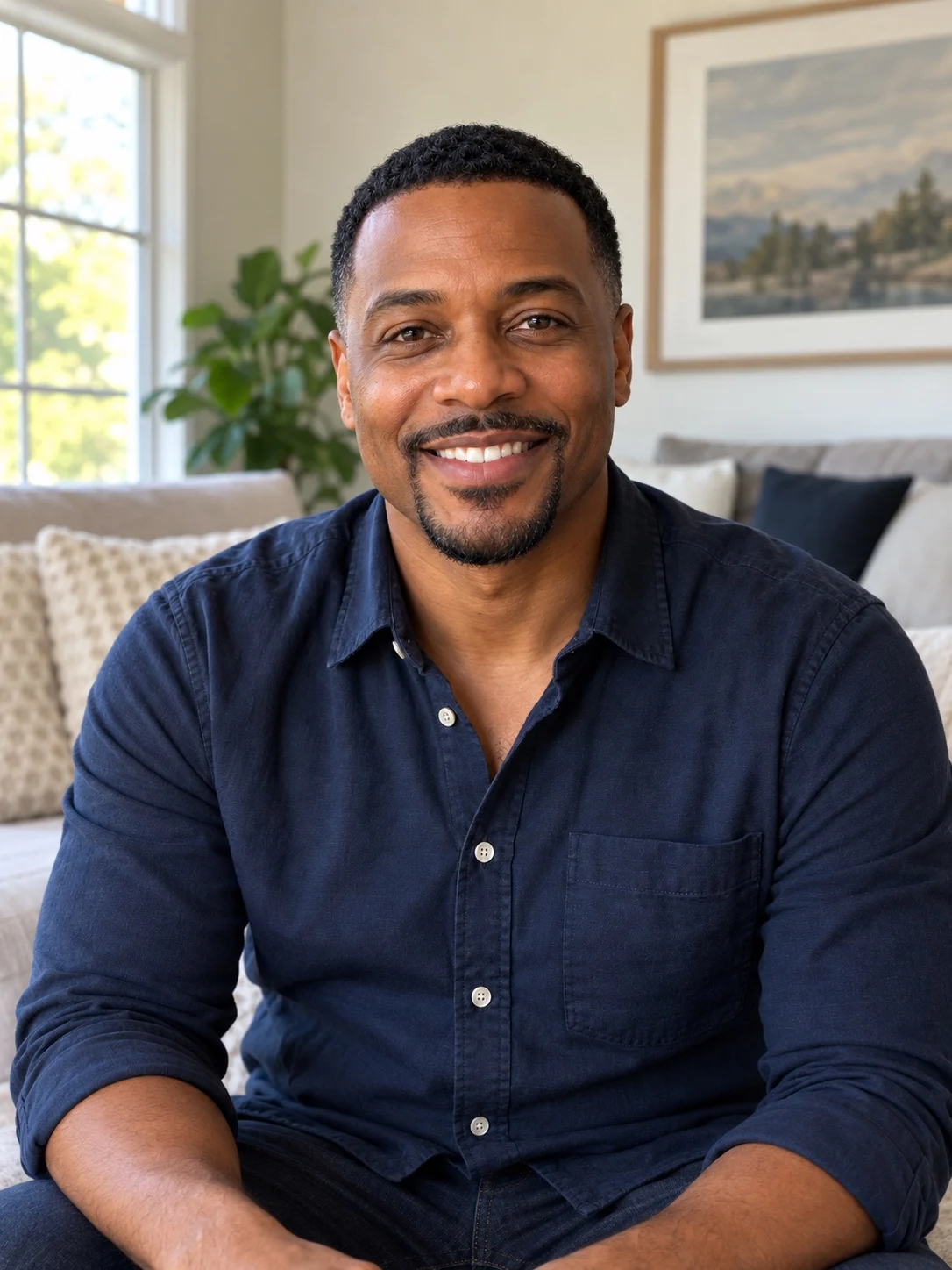
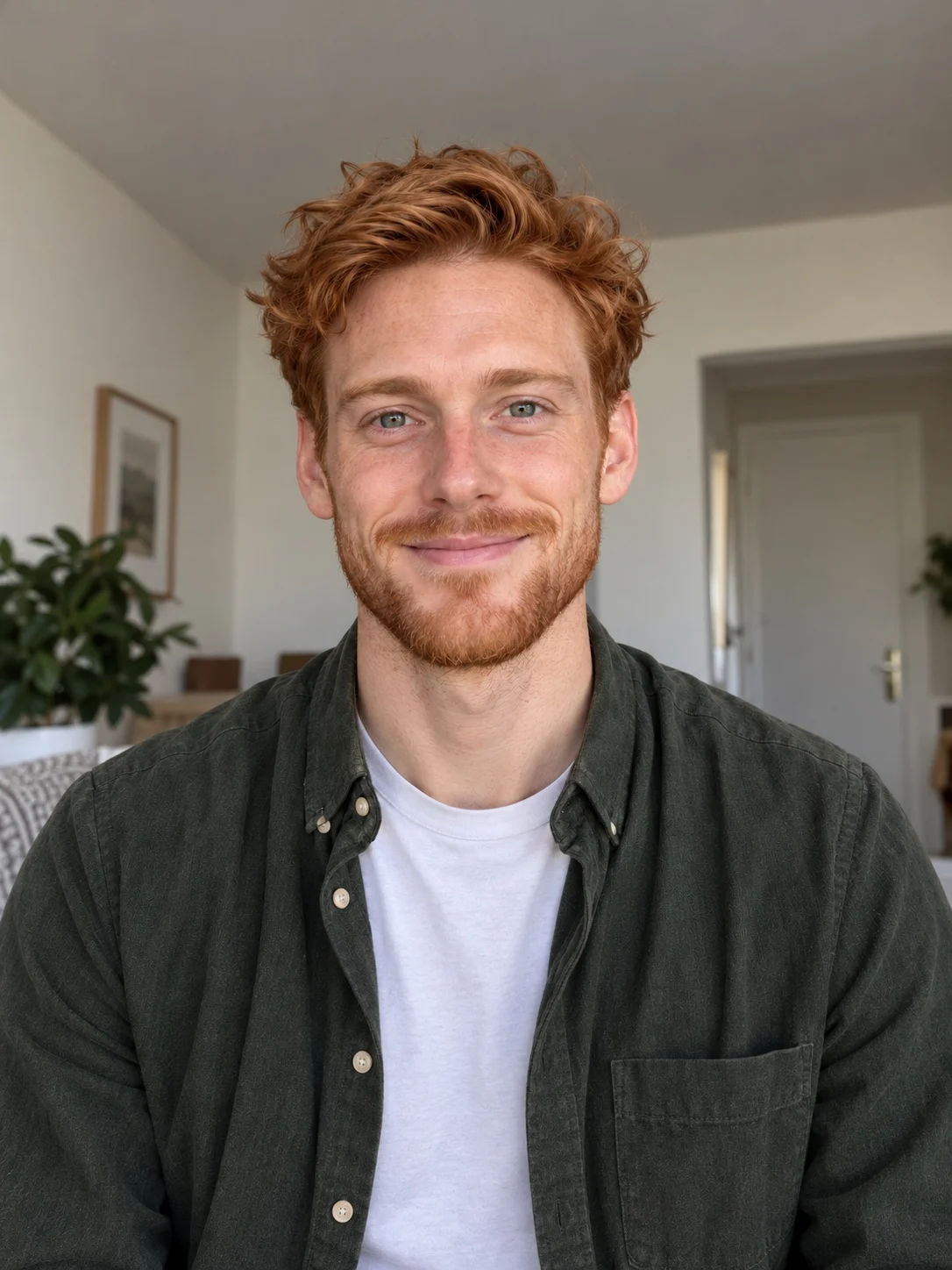
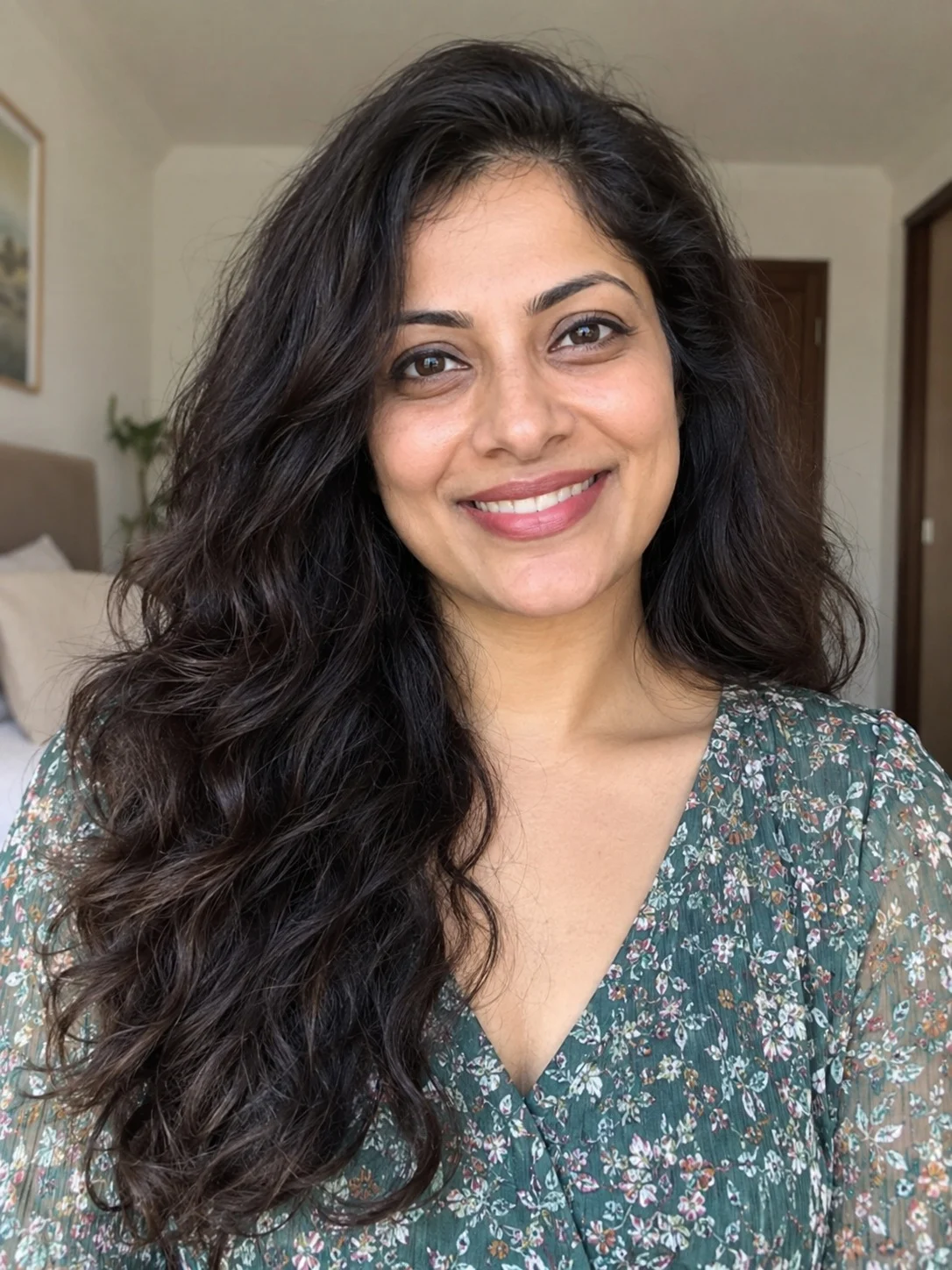
WHAT'S IN THE TEMPLATE
Three shots, in the same order every time
Every video follows the beats of the viral clip. These stills come from a real five-photo result.
 0:00
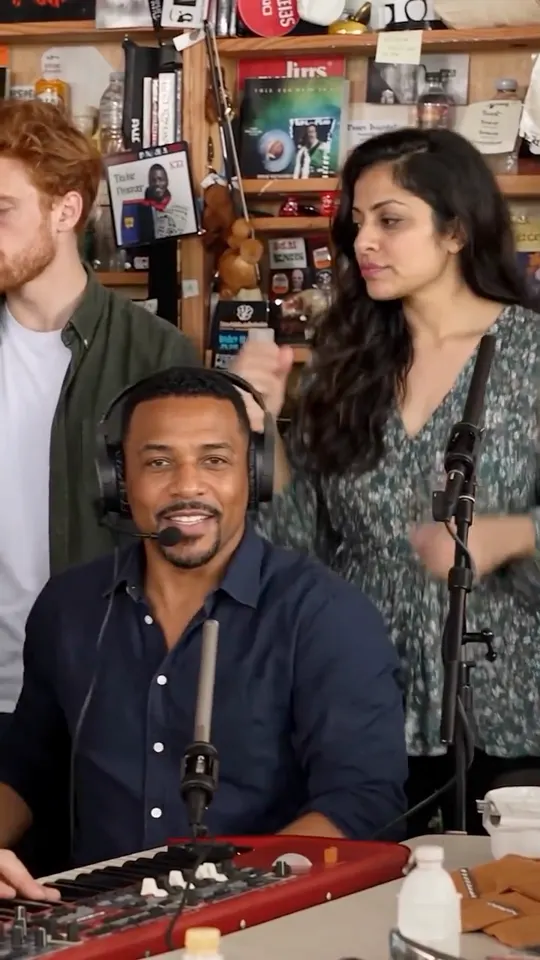
0:00The band opens
Three backing performers sing behind the desk, one of them on the red keyboard.
 0:05
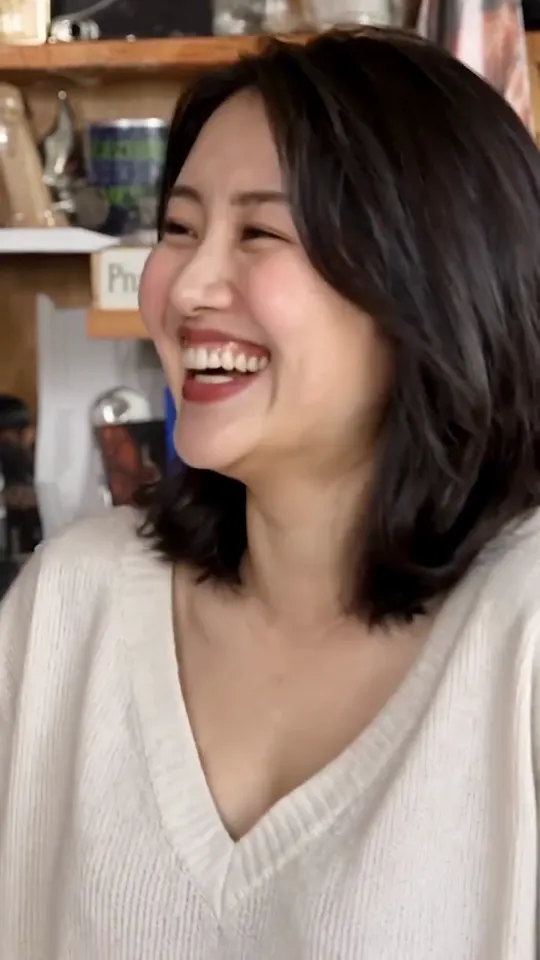
0:05The lead laughs
The close-up everyone shares: the lead singer breaks into the big laugh.
 0:11
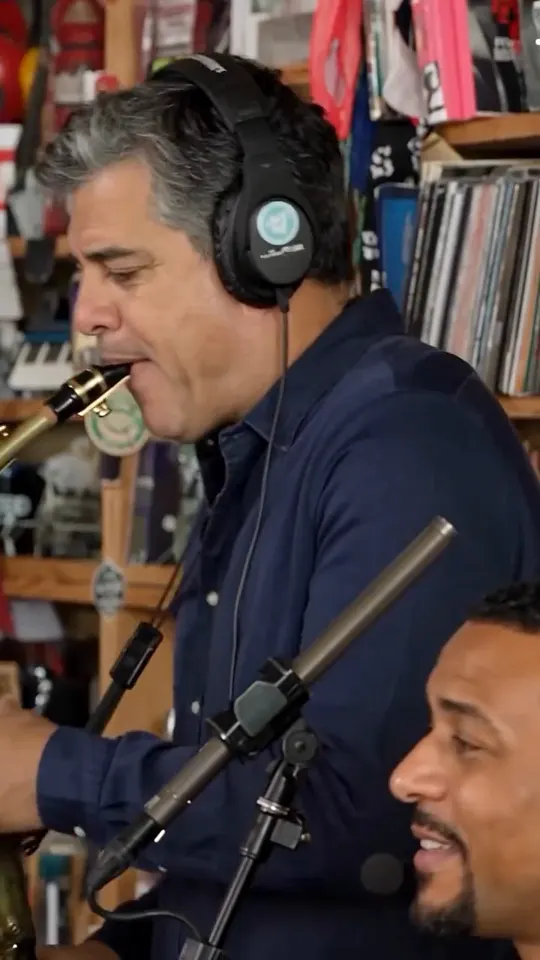
0:11The sax takes over
The sax player solos while the keyboard performer stays in the corner of the frame.
WHICH SPOTS YOU FILL
One photo per role, in a fixed order
Solo Cast fills only the lead. Outstanding Five fills every spot in this order.
- Photo 1Lead singerThe laughing close-up
- Photo 2Front backingSeated at the keyboard
- Photo 3Rear-left backingStanding, left side
- Photo 4Rear-right backingStanding, right side
- Photo 5Sax playerThe closing solo
Want to know whose spot the lead singer takes? Read about Charlie Wilson's spot in the original set.
Solo Cast or Outstanding Five
Solo Cast · one portrait
Put one person in the lead-singer role. The other performers stay from the reference video. Best when a single guest is the joke.
Outstanding Five · five portraits
Recast the whole visible group: a friend group, a team or five coaches. Each role needs its own portrait, and it still uses one video from your balance.
A CapCut template or this one?
A CapCut template gives you a timeline to sync clips yourself. Here you get a finished MP4 without editing: no clip syncing, no prompt writing. The trade-off is control. You cannot swap the song or rearrange shots, and AI results can vary from the reference.
Ready to try it? Follow the step-by-step photo guide, or read the Outstanding Tiny Desk meme, explained first.
Outstanding Tiny Desk AI template questions
Is the Outstanding Tiny Desk AI template free?
No. Each finished video uses one video from a one-time pack, with no subscription. Solo Cast and Outstanding Five cost the same. Check the pricing page for the current packs.
Can I change the song or the cuts?
No. The template keeps the Outstanding song, the shot order and the timing. Faces, outfits and motion can vary slightly between results.
Do I need CapCut or another editing app?
No. You upload portraits and receive a finished 9:16 MP4 with sound that you can download and post directly.
Can I make one with my team's coaches?
Use everyday personal photos of adults who agreed to be included. Official team headshots, press and celebrity photos are usually blocked by the video model.
Your cast, in the Outstanding template
Upload one portrait for the lead, or five for the whole band, and get a 15-second video with the song.