OUTSTANDING FIVE
How to make a five-person Tiny Desk AI video with your friends
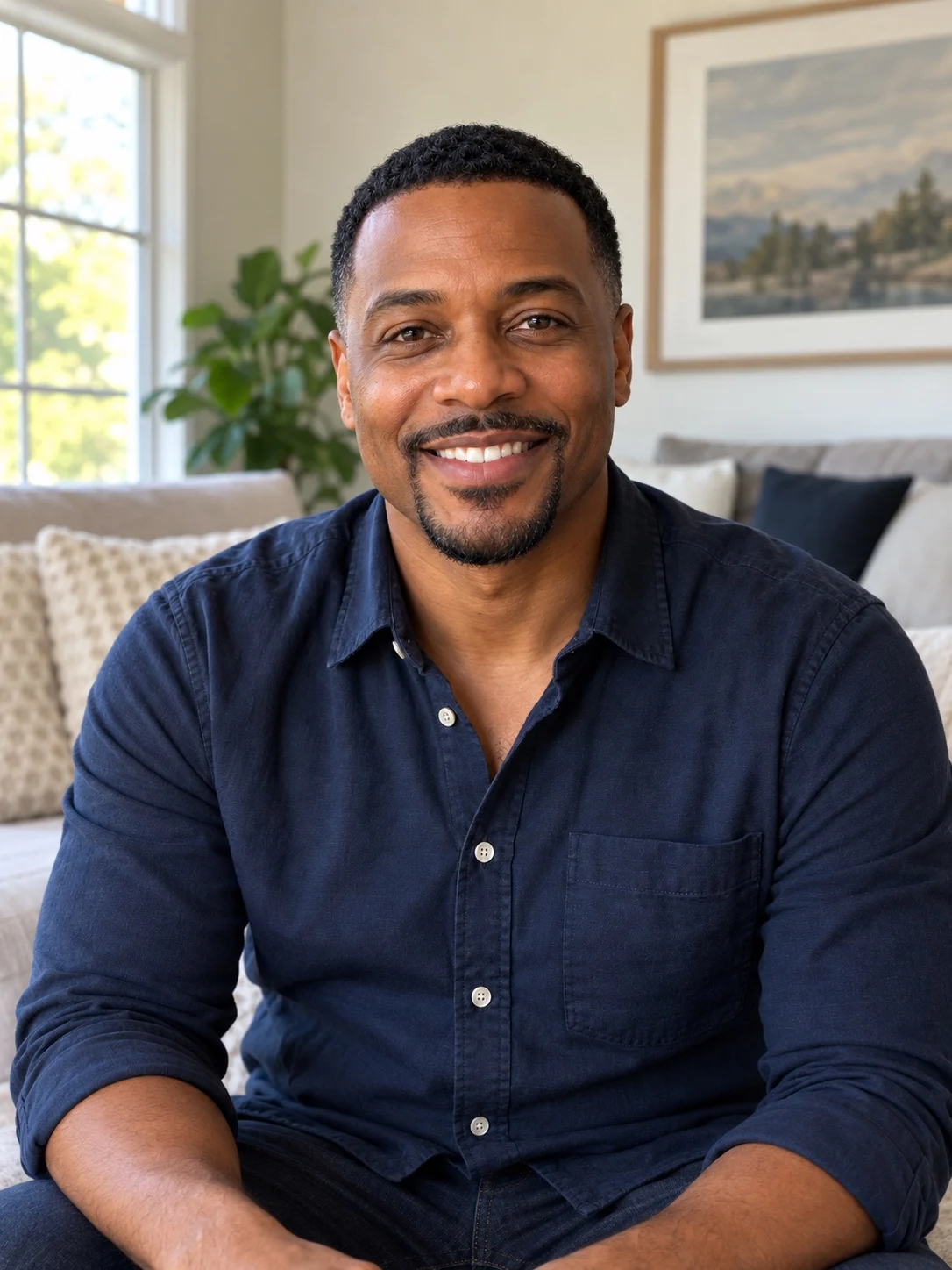
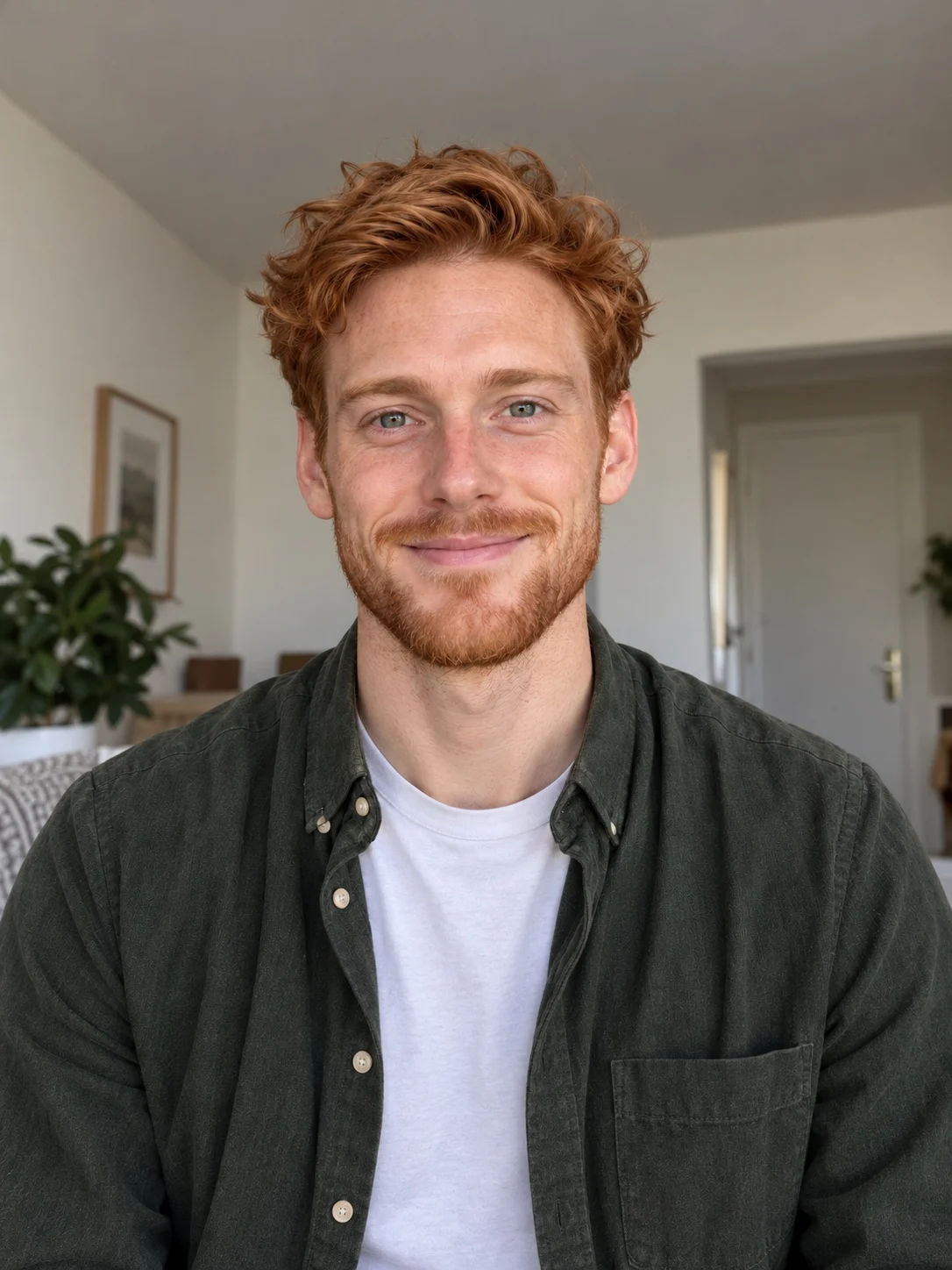
Outstanding Five recasts the whole visible band: the lead singer, three backing performers and the sax player. You upload one photo per person in a fixed order and get one finished video with the song.
- 5 photos · 1 video
- About 15 s · 9:16
- Song included



FIVE SPOTS
Which photo goes to which spot?
Photos fill the band in this order, so decide who plays which part before you upload.
- Photo 1Lead singerThe laughing close-up
- Photo 2Front backingSeated at the keyboard
- Photo 3Rear-left backingStanding, left side
- Photo 4Rear-right backingStanding, right side
- Photo 5Sax playerThe closing solo
THREE SHOTS
Where does each friend show up?
Not everyone is on screen at the same time. Each shot features different spots, so plan who goes where.
 0:00
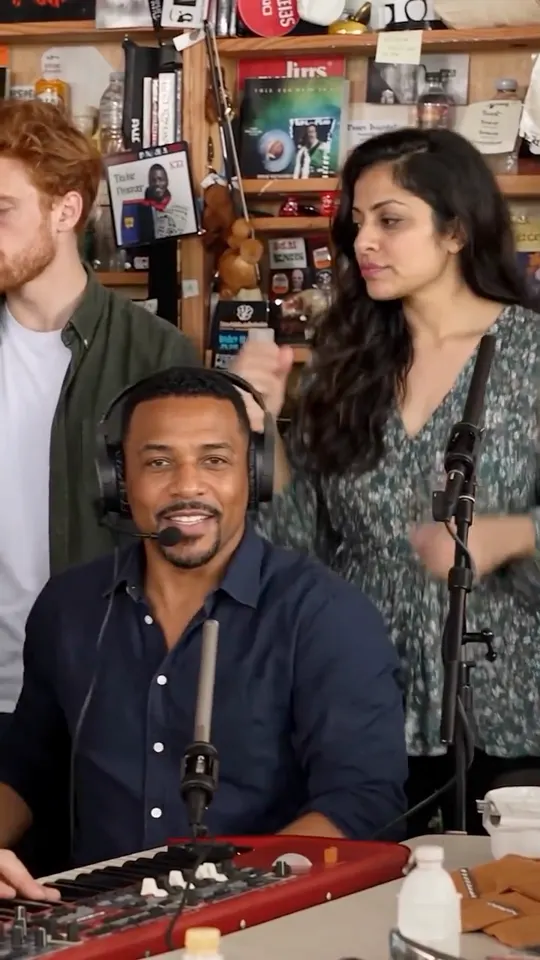
0:00Photos 2, 3 and 4 open the song
The three backing performers sing behind the desk. Photo 2 sits at the red keyboard, and photos 3 and 4 stand at the back left and right. All three wear studio headphones.
 0:05
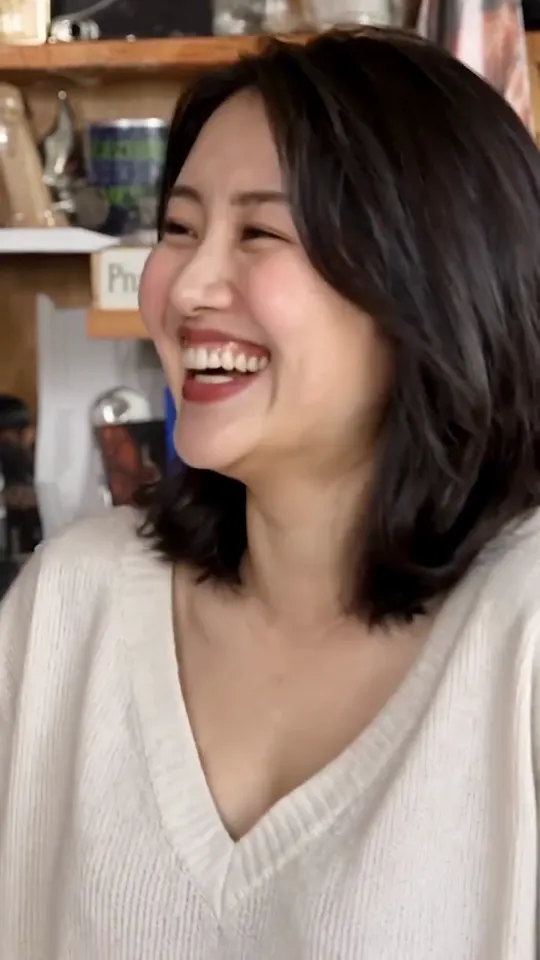
0:05Photo 1 gets the close-up
The lead singer laughs and sings in a close-up with no headphones. This is the shot people share, so give the lead your clearest photo.
 0:11
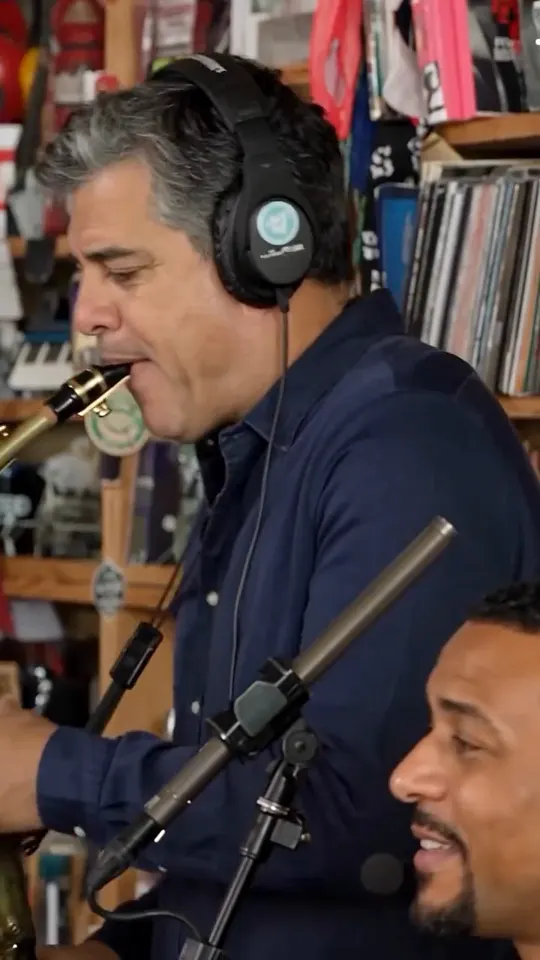
0:11Photo 5 plays the sax
The sax player takes the closing solo, with photo 2 partly visible in the foreground.
CASTING
Who should go in which spot?
The lead is the punchline
Put the person the video is about in photo 1: the birthday guest, the groom, the coach or the friend who always takes the mic.
The keyboard spot is on screen twice
Photo 2 opens the song and comes back in the sax shot, so it suits your second main character.
The back row is the chorus
Photos 3 and 4 appear in the opening group shot. They suit friends who want to be in it without being the focus.
The sax closes the video
Photo 5 gets the final solo. Pick someone whose big moment works as the ending.
FEWER THAN FIVE?
What if you do not have five people?
One person: use Solo Cast
Solo Cast puts one photo in the lead-singer spot and keeps the other performers from the reference video.
Two to four people
Outstanding Five needs a photo in every spot, and two- to four-person modes are not available today. If you reuse a photo for more than one spot, similar photos can mix hair or clothing between roles.
COST
What does a five-person video cost?
Outstanding Five uses one video from your balance, the same as Solo Cast. Videos come in one-time packs with no subscription, and a generation that fails returns the video to your balance.
Compare the packs on the pricing page.
STEP BY STEP
How do I make it, step by step?
Collect five photos
Ask each friend for a clear, vertical photo of just them, framed from the head to around the waist.
Choose Outstanding Five
Open the creator, choose Outstanding Five and add the photos in role order: lead, front keyboard, rear left, rear right, sax.
Sign in and create
Sign in with Google, choose a video pack if you need one, then create. Generation usually takes several minutes.
Check every shot, then download
Watch the full video once and check each person in their shot before you download the MP4 and share it.
Not sure a photo will work? Check the Tiny Desk AI photo requirements before you upload.
Five-person Tiny Desk AI questions
Do my friends need to agree?
Yes. Only use photos of adults who have agreed to be in the video, and do not use celebrity, press or official team photos.
Can I choose which friend sings lead?
Yes. Whoever is in photo 1 becomes the lead singer in the close-up.
Will everyone look exactly like their photo?
Not always. Faces usually carry over, but hair, clothing and accessories can change, especially when two photos look alike. Clear, well-lit photos help most.
Is the song included?
Yes. The finished video plays with the song from the clip and downloads as an MP4.
How long does a five-person video take?
Usually several minutes. The finished video is saved to your library, so you can come back to it later.
SOURCES & DISCLOSURE
What this guide is based on
The origin and spread of the format are documented by the original performance, the first viral coaches edit and reporting on its creator.
Published November 1, 2026 · Updated November 1, 2026
- NPR Music · Charlie Wilson Tiny Desk Concert (2023)
- Original viral college-football edit on TikTok (2026)
- The Athletic · interview with the edit creator (2026)
Disclosure: Tiny Desk AI operates the paid creation tool described here. This is product documentation and a first-hand development account, not an independent review.
Tiny Desk AI is not affiliated with or endorsed by NPR, Tiny Desk Concerts, Charlie Wilson, The Gap Band, TikTok or CapCut.
The public generated example demonstrates the fixed role order and one saved result. It is not a success-rate claim or a guarantee of likeness, motion, identity continuity or lip sync for every input.
Put your five in the band.
Pick your lead, line up four friends behind them and make one video together.