FANCY CAFE AI VIDEO
Make your First Time in a Fancy Cafe AI video
Upload two clear photos to cast both guests. The first sits in the wrong spot; the second walks in and takes the bench. Watch the awkward realization play out in a new AI take on the joke.
- 2 photos · 1 video
- About 15 s · 720p · 9:16
- AI-generated sound included
New to this meme? Read what the Fancy Cafe trend means before you upload.
Add both guest photos
Photo tips
Upload one clear photo for each guest, in the order shown below. Get permission from both people.
Use two separate, sharp photos with one adult per image, visible face and hair, and even light. Avoid sunglasses, heavy filters and crowded backgrounds.
From $12.99 · one-time, no subscription
See a Fancy Cafe AI video made from two photos
These two uploaded photos produced the video beside them. Guest 1 takes the wrong seat, Guest 2 walks in, and the awkward recovery follows.
The 2 uploaded photos
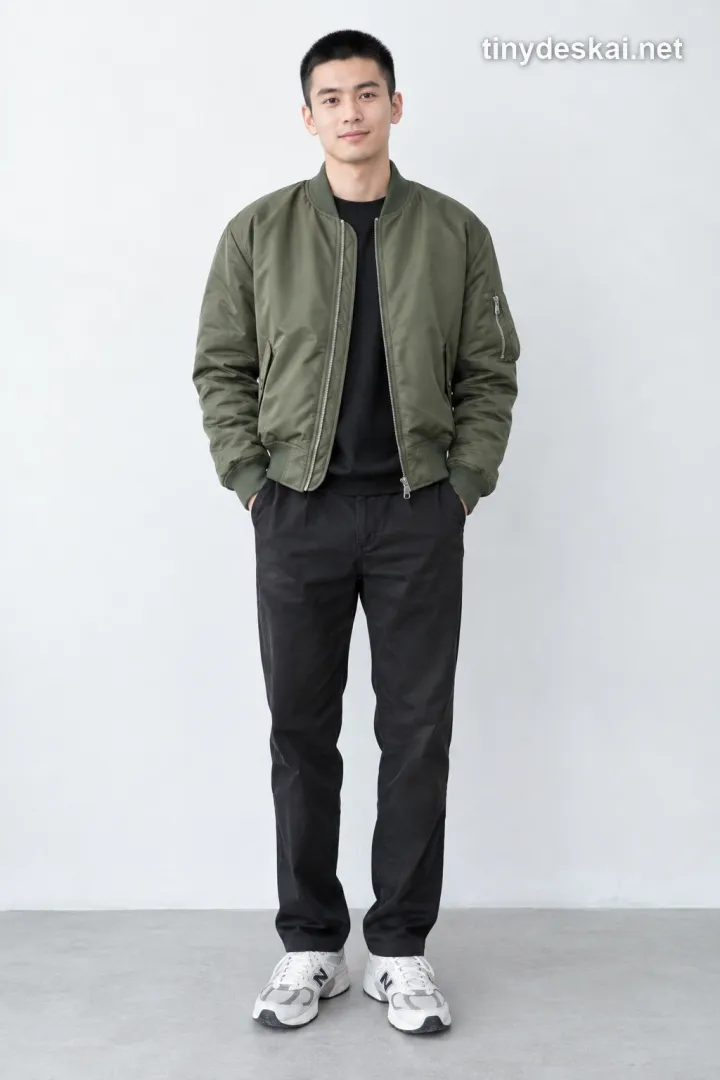 Guest 1 · wrong seat
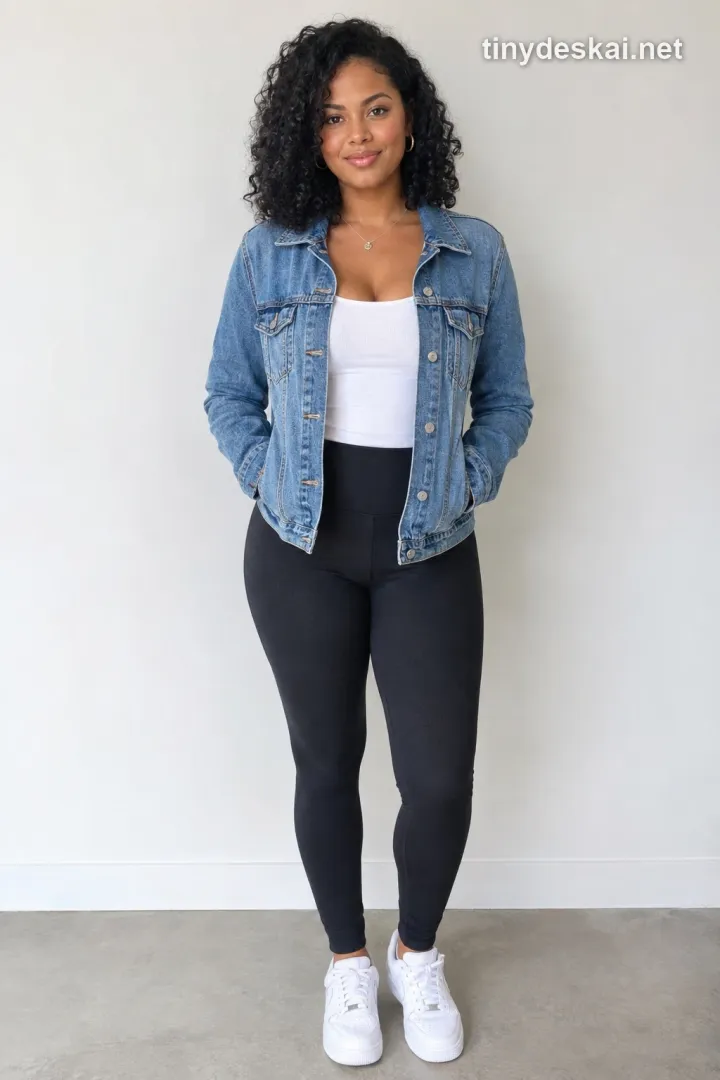 Guest 2 · right seat
Generated result
What is First Time in a Fancy Cafe AI?
First Time in a Fancy Cafe AI is a short video take on a visual joke: a guest treats a tiny wall-mounted coffee table as a seat. Another guest arrives, sits on the bench and sets down a cup. The first guest realizes the mix-up and moves to the bench, trying to stay cool. The pause between noticing and moving is the punchline.
This tool puts two people you choose into those roles. The video above guides the scene, while each result is newly generated from your two photos. You do not need to film at a cafe, write a prompt or use an editing app.
How to make your Fancy Cafe AI video
Create the scene here in three steps. You choose the cast; the tool handles the video.
1. Add two photos
Put the wrong-seat guest in Photo 1 and the arriving guest in Photo 2. Use a separate, clear adult portrait for each person.
2. Confirm one video
Review the photos and the one-video cost before creating. The scene, role order and 15-second vertical format are already set.
3. Watch and download
When the video is ready, play it in My creations. Check both faces and the seat reveal, then download the MP4 if you like the result.
What happens in your Fancy Cafe video?
The reference follows one clear sequence, so both guests have a part in the joke.
The wrong seat
Guest 1, cast from your first photo, sits on the little table with a coffee as though it were a stool.
The quiet reveal
Guest 2, cast from your second photo, walks in and sits on the nearby bench, using the table as a table.
The recovery
Guest 1 notices the mistake, steps down and moves to the bench. The awkward reaction carries the ending.
Choose photos for both cafe guests
Clear, separate photos make the two roles easier to recognize in a moving scene.
Show one adult per photo
Use a recent, well-lit image with the face and hair visible. A waist-up or fuller view helps with the seated and standing moments.
Keep the order straight
Photo 1 is the guest on the table. Photo 2 is the guest who enters and takes the bench. Two separate files keep the role assignment clear.
Use permitted photos
Choose photos you own or have permission to use. Ask both people before putting their likenesses into an AI video.
Need more framing advice? See our photo requirements guide for general face and lighting tips; this cafe tool requires two adult photos.
What you will receive
Two roles from your photos
Photo 1 casts the guest who sits in the wrong spot. Photo 2 casts the guest who arrives and sits on the bench.
One finished video
A 720p vertical video of about 15 seconds with AI-generated sound, saved to your creations for playback and download. You can swap in your own sound before sharing.
One video from your balance
Creating this video uses one video from your balance. If the generation fails, that video returns under the same rules as our other video tools.
Every run is a new AI interpretation. Faces, actions and timing may differ; no exact resemblance or frame-by-frame match is guaranteed.
Choose a Video Pack for Solo or Five-Person Videos
1 video = any trend
Use here or in any other trend
Fancy Cafe video maker questions
Which photos should I upload?
Use two clear, recent photos, each showing one adult with a visible face. Put the wrong-seat guest in slot 1 and the arriving guest in slot 2. Upload only photos you own or have permission to use.
Can I upload one group photo instead of two portraits?
Use two separate photos. Each upload slot controls one guest, so a group picture cannot assign both roles reliably.
Can I use a pet instead of a person?
This tool currently casts two adults from two photos. Pet casting is not available here.
Do I need to film at a cafe or edit the video?
No. Add the two photos and confirm the creation here. The cafe scene is generated for you, and the finished MP4 is saved in My creations.
Will my video use the reference clip or its music?
The reference guides the scene and movements; its music is not used. Your result is a new AI video with your chosen guests and AI-generated sound, which you can replace with your own before sharing.
Is this the original viral clip?
No. Your result is an AI-generated rendition of the reference scene with the two guests you choose. The original soundtrack is not included.
What happens if generation fails?
A failed generation returns the video used for that attempt to your balance. You can check its status and your result in My creations.
Explore another video format
Make an Outstanding Tiny Desk AI video or learn how the desk-concert format works